A blurry picture or a frozen match is almost never the TV's fault. On Xuper TV the quality depends on the channel you choose, your internet connection, and how your equipment is configured. We'll show you how to adjust all three.

Xuper TV APK
Table of contents
How does quality work on Xuper TV
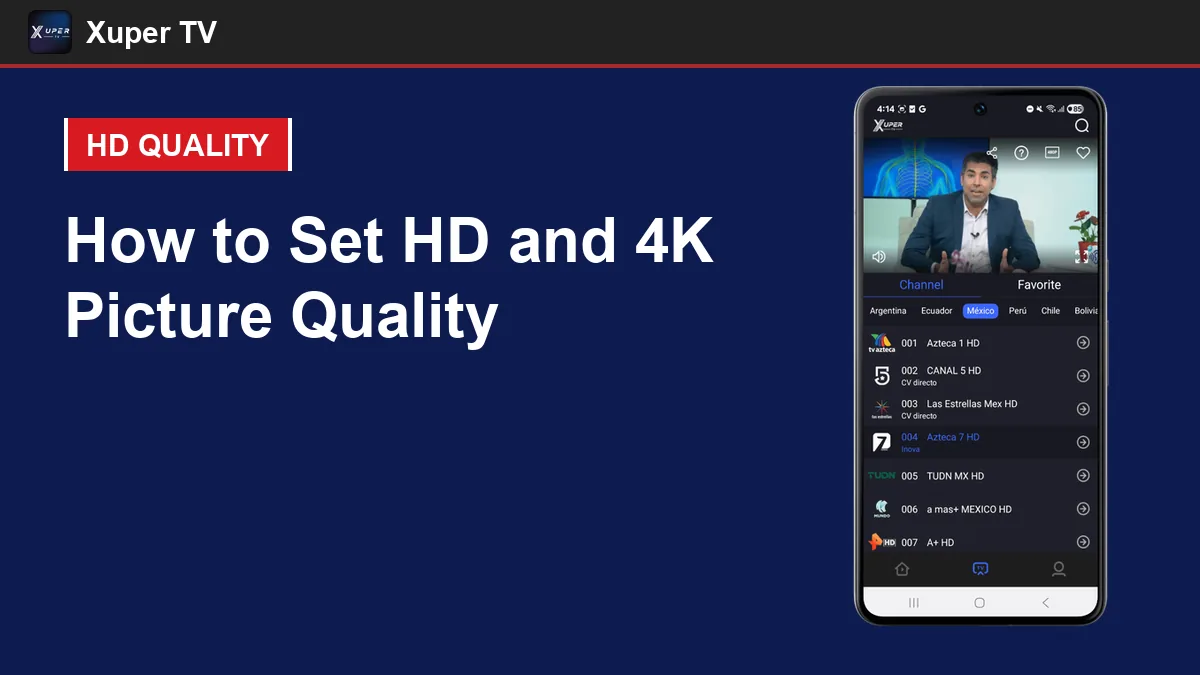
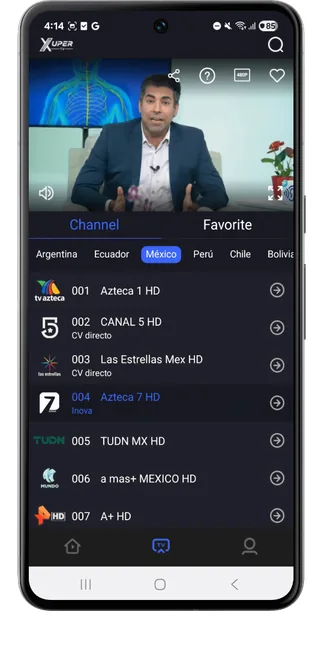
Many channels appear multiple times in the list with a different suffix: no suffix, HD, or FHD. Each is a different signal. The standard version is smaller and handles a weak connection better; FHD is sharper but requires a stable connection.
Additionally, some players automatically adjust the quality when the network signal drops. That's why the image sometimes appears blurry for a few seconds and then improves.
What speed do you need?
| Quality | Stable speed | Data per hour |
| SD | 5 Mbps | Around 1 GB |
| HD 720p | 8 Mbps | Around 2 GB |
| FHD 1080p | 12 Mbps | Around 3 GB |
| 4K | 25 Mbps | 7 GB or more |
These figures are for guidance only; the important thing is that the speed remains constant, not the peak speed. Run a speed test on the same device you use to access the app, at the time you usually do, because the network tends to be more congested at night.
Choose the channel signal
- Search for the channel. Choose the country and locate the channel in the list.
- Check the variants. See if there's an HD or FHD version right below.
- Try the highest setting. Open it and wait ten seconds for it to stabilize.
- Download if it cuts out. If it freezes more than once per minute, revert to the normal version.
- Save the good one. Mark the variant that works in your house as your favorite.
Equipment settings
- Network cable: On a TV Box or TV, the cable eliminates most interruptions.
- 5 GHz WiFi: If there is no cable, connect the device to the router's 5 GHz network.
- Output resolution: On the TV Box, adjust the output to match your TV's actual resolution.
- Cache: Clear it if the app is slow; it's in Settings, Applications, Xuper TV, Storage
- Background apps: Close downloads and other video apps while watching
A very cheap TV Box may have problems with FHD signals even if your internet connection is good. In that case, the HD version is usually the best middle ground.
What about 4K?
To watch in 4K you need three things simultaneously: 4K content, a 4K decoder, and a 4K TV. Most of the live streams we see on the app are in HD or FHD. If a title in the on demand section offers 4K, it can only be fully utilized with a stable 25 Mbps connection and a compatible TV Box or television.
Frequently Asked Questions
Why does the same channel appear multiple times?
They are different signals from the same channel, usually with different qualities.
Do I use a lot of data watching videos on my phone?
Yes, one hour in FHD can exceed 3 GB. With mobile data, the standard version is preferable.
Does a VPN improve quality?
Rarely. It adds one more step and usually slows down. Use it only if you have another reason.