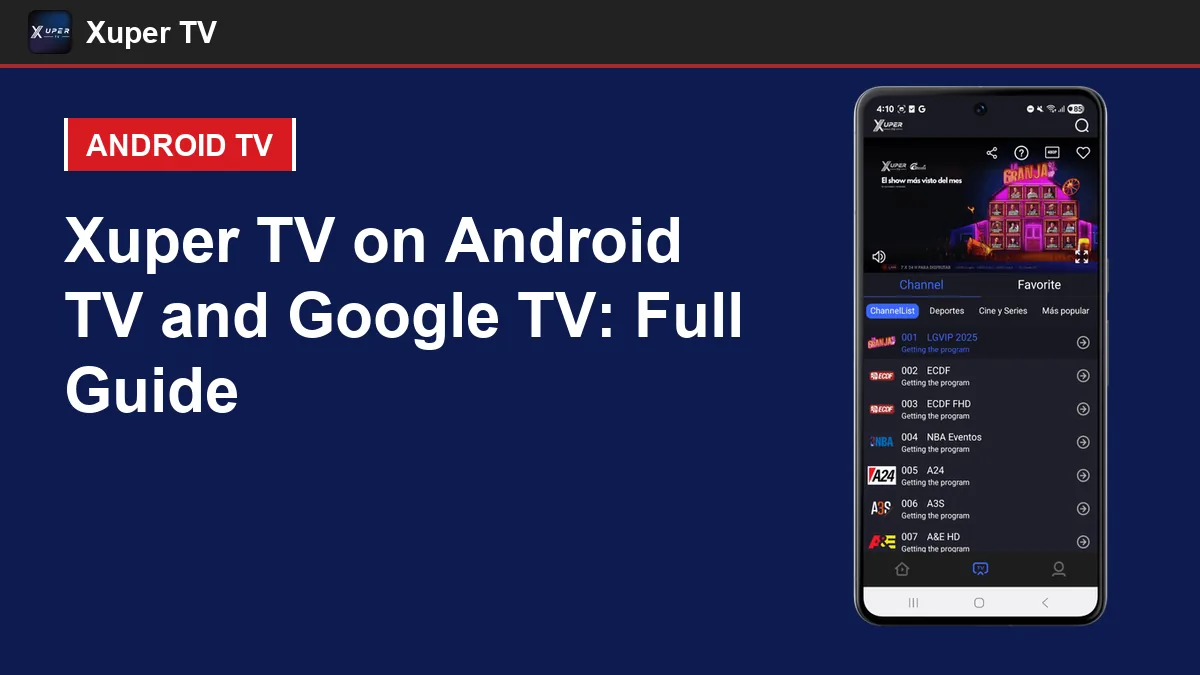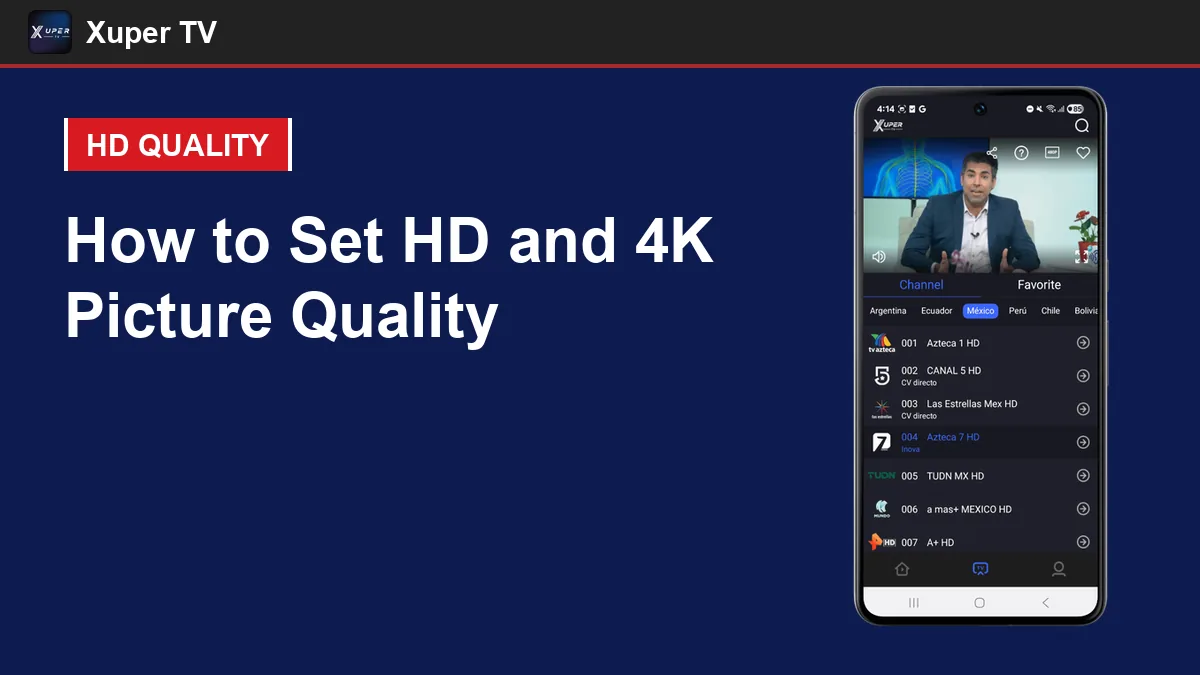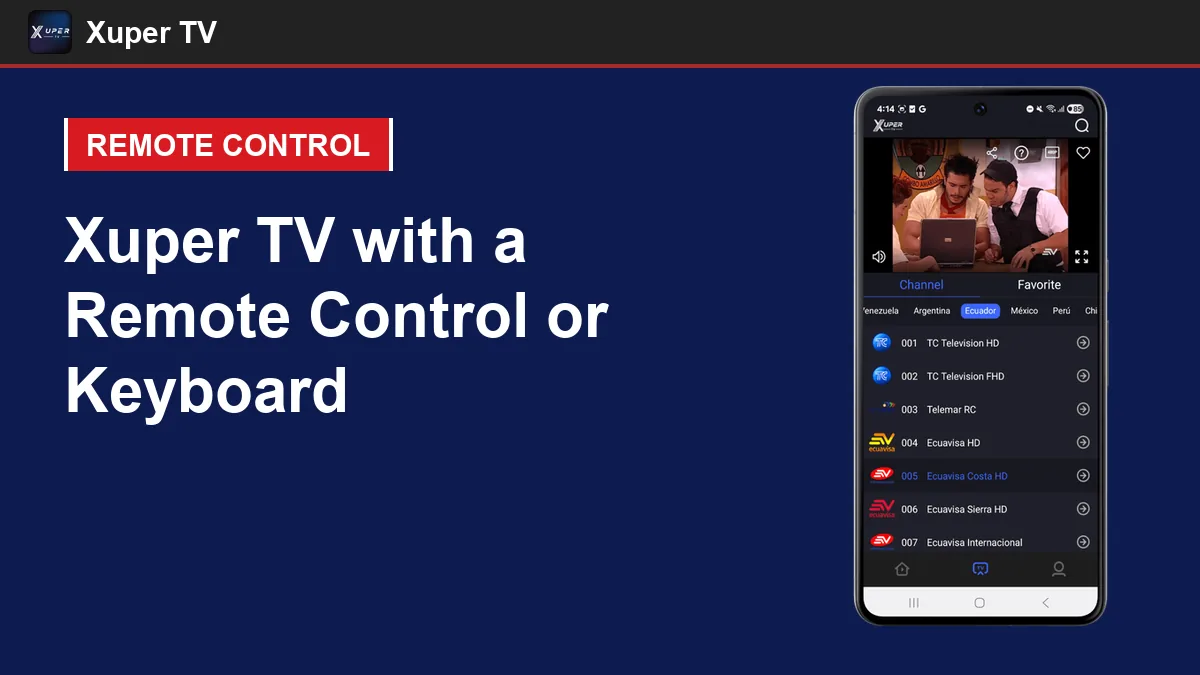
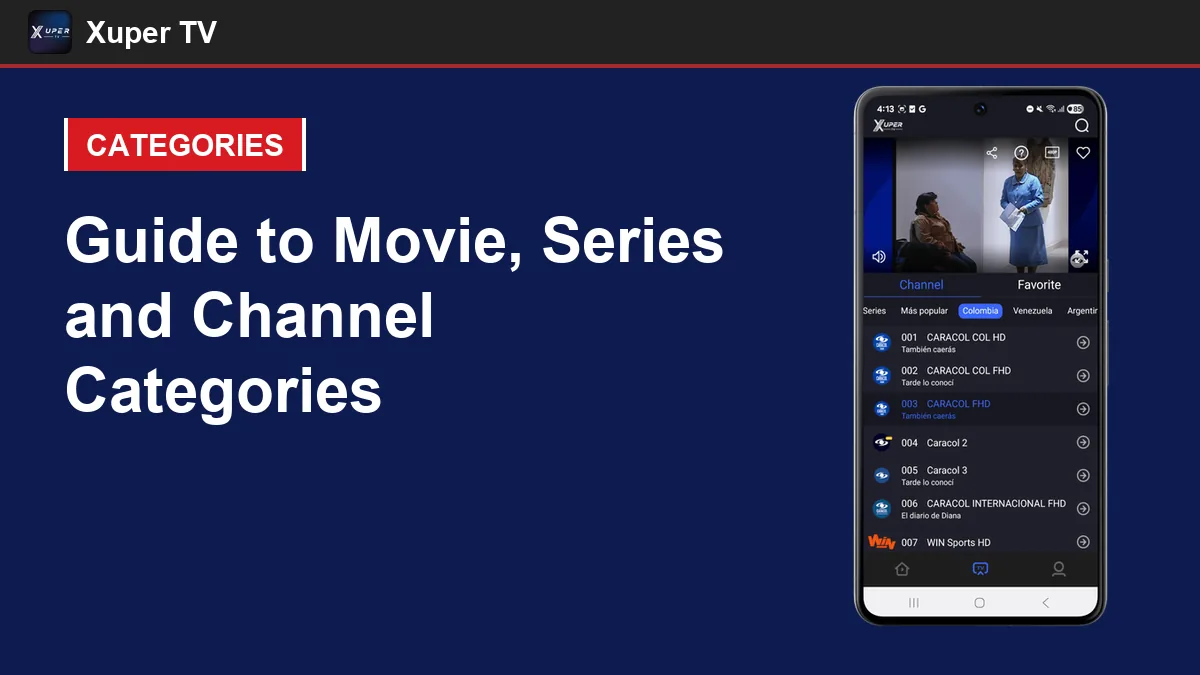
Xuper TV blends two worlds: live television, organized by country, and on demand content, organized by topic. Understanding how the categories are structured allows you to find what you're looking for in seconds.

Xuper TV APK
Table of contents
How is the app organized?
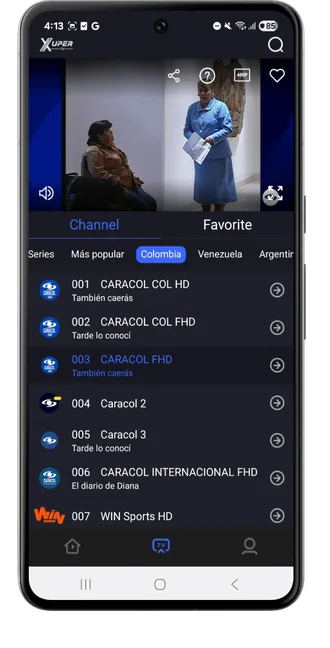
On the main screen of live TV, there are two tabs: Channel, with all the channels, and Favorite, with the ones you've saved. Above the list is a slider that determines what you see: countries or topics.
Channels by country
Each country has its own three digit numbered list. Our tests include, among others, these countries:
| Region | Countries in the bar |
| North and Central America | Mexico, Panama, Puerto Rico |
| Andean region | Colombia, Ecuador, Peru, Bolivia, Venezuela |
| Southern Cone | Argentina, Chile, Paraguay, Uruguay |
The exact list changes with updates, and not all channels in a country are always available. If one doesn't work, try its other, higher quality variant.
Thematic categories
- Channel list: all channels together, useful for searching by number
- Sports: Channels with sports broadcasts and events
- Movies and series: channels of movies and series in continuous broadcast
- Most popular: the channels that are opened most often in the app
Thematic categories are practical for matches: you go into Sports and you have feeds from several countries together, without changing tabs.
Movies and series on demand
Beyond live TV, the app includes an on demand section. The listings display the poster, title, and, in the case of series, their seasons with each episode. You can search by name using the magnifying glass in the upper corner.
- Use the search function if you know the title; it's faster than browsing through categories.
- In series, the app remembers the episode you are on as long as you do not delete its data.
- If a title doesn't load, try again later: sometimes the server is overloaded.
Create your own list
- Explore your countries. Open the country you watch most often and find your channels.
- Mark favorites. Tap the icon of each channel you want to save.
- Check the tab. Go to Favorite and make sure they're all there.
- Replay on TV. Favorites don't sync across teams; mark them on your TV Box as well.
Frequently Asked Questions
Can I add a country that isn't listed?
No. The list of countries is defined by the app and changes with each version.
Are favorites saved in the cloud?
No, they are saved on your device. If you uninstall the app, they are lost.
Is there parental control?
The options vary depending on the version. For children, the most reliable option is the parental controls built into Android or the TV.