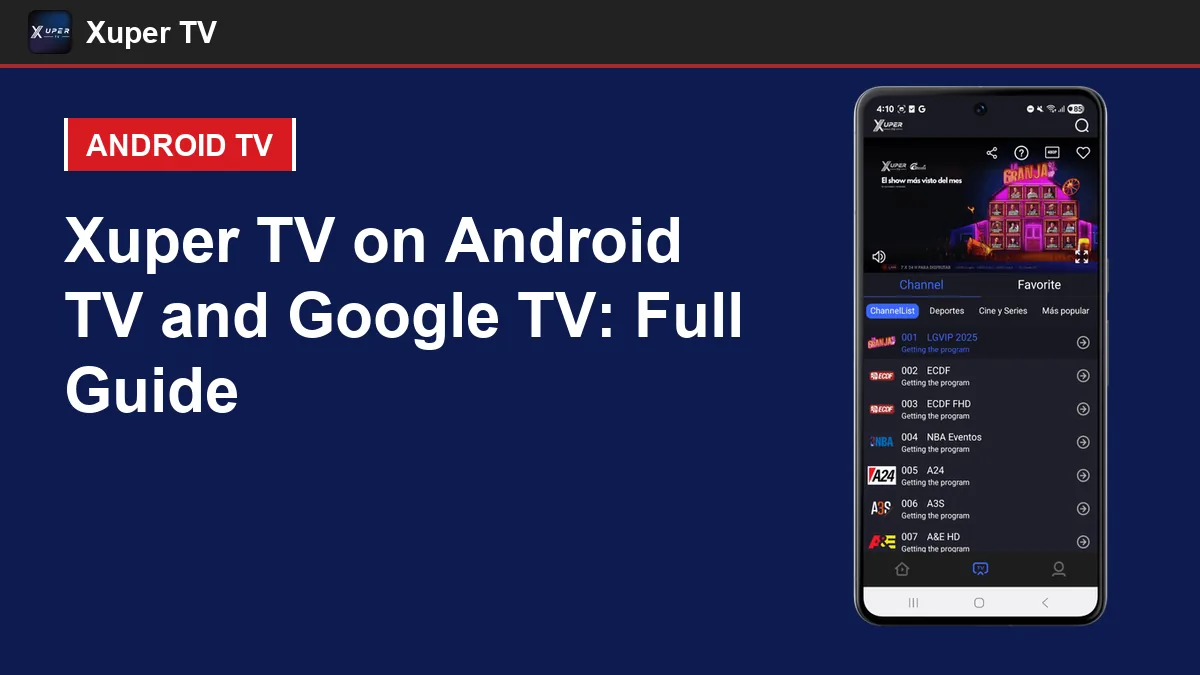
Watching Xuper TV on your television changes the experience: the channel list by country looks better on a large screen, and the remote control makes everything more convenient. This guide covers Android TV TVs and devices with Google TV, including Chromecast with Google TV.
Xuper TV APK
Table of contents
Android TV and Google TV are not the same thing
Google TV is the latest visual layer that Google puts on top of Android TV. Under the hood, they're still Android, so both install APK, but the menus have different names. Where Android TV says Settings, Device Preferences, Google TV usually says Settings, System. We'll show you the two paths when they don't match.
Before we begin
- Have the TV APK handy, it weighs 32.4 MB; don't use the phone one.
- Check that the TV has at least 300 MB free in Settings, Storage.
- Verify that the system is Android 5.0+ or higher.
- Connect the TV to the internet, preferably via network cable if the router is nearby.
Install with Downloader
Downloader is a free app that works like a simple browser and downloads files directly to your TV. It's the fastest method because you don't need any other equipment.
- Enable developer mode. Go to Settings, System, About (or Device Preferences, About) and tap Build number seven times in a row.
- Install Downloader. Open Google Play on your TV, search for Downloader, and tap Install.
- Grant permission. Go to Settings, Apps, Security and restrictions, Unknown sources, and enable Downloader.
- Open this website. In Downloader, type the address of our homepage and press Go.
- Download the APK for TV. Use the arrows to scroll down to the APK for TV button and press the center button.
- Install. When the download is complete, Downloader will display the Android installer. Select Install and then Open.
Once Xuper TV is working, Downloader will offer to delete the APK. Accept: you'll free up space and the app will remain installed.
Install using a USB drive
If your TV can't find Downloader on Google Play, you can transfer the file from your computer.
- Download to your computer. From the download page, download the APK for TV.
- Copy to memory. Paste the file into the root of a USB drive formatted as FAT32.
- Connect and open. Insert the memory card into the TV and open it with a file manager such as File Commander or the one that came with your model.
- Install. Select the APK, authorize the manager in Unknown Sources, and install.
First use with remote control
The first time you open Xuper TV on your TV, the app may take a little while to load the channel list. Use the left and right arrows to change countries, the up and down arrows to scroll through channels, and the center button to open a channel. The Back button returns you to the channel list without closing the app.
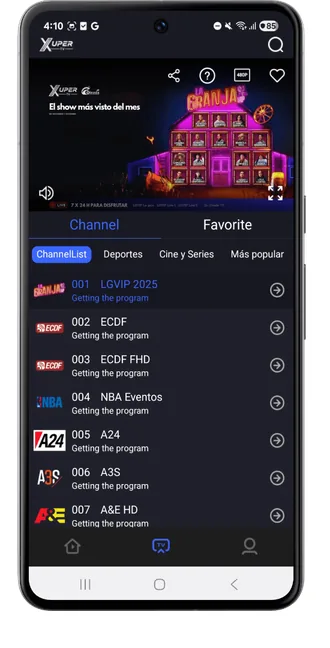
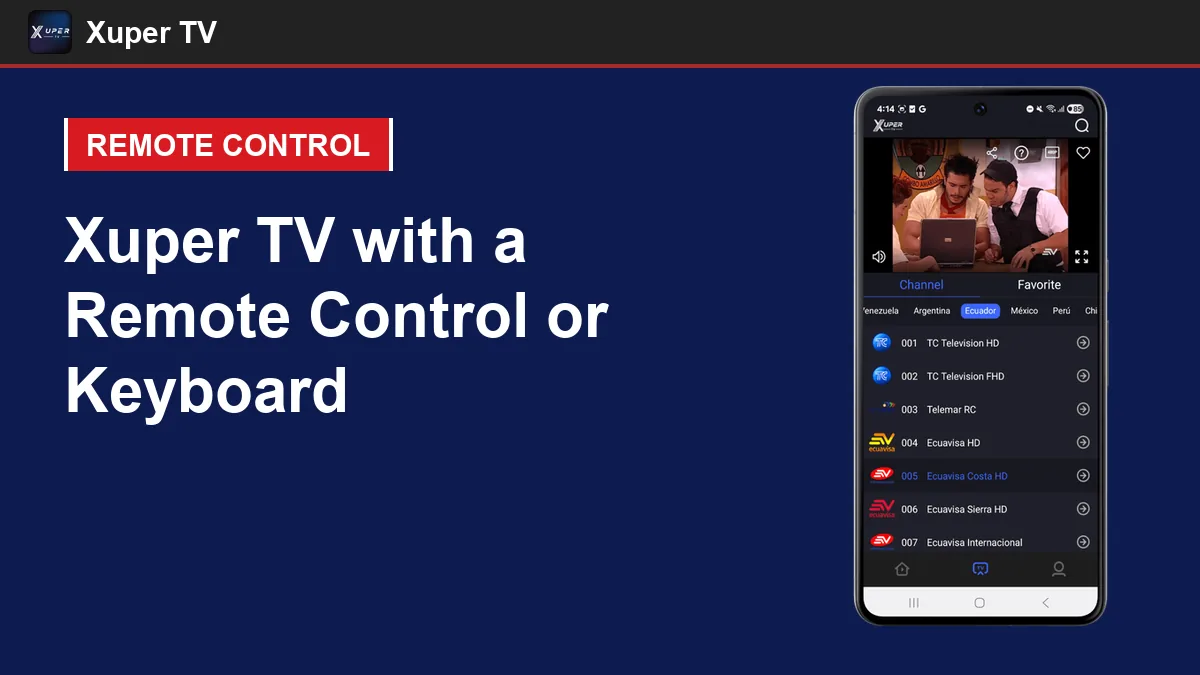
To avoid always searching for the same channels, bookmark your favorites. If you want to take advantage of shortcuts and a keyboard, see how to use Xuper TV with a remote control or keyboard.
| Problem | Quick solution |
| It doesn't appear in the apps row | Look for it in Settings, Apps, See all |
| The installer closes | Free up space and repeat the download. |
| Image with cuts | Switch to the SD version of the channel or use a network cable |
Frequently Asked Questions
Can I use the phone APK on Android TV?
It installs, but the interface isn't designed for remote control. The TV APK is the correct option.
Does it update automatically?
No. When the version changes on our website, download the TV APK again and install it over the existing version.
Does it work on an older Chromecast?
No. Only Chromecast with Google TV installs apps; previous models only receive video from the phone.