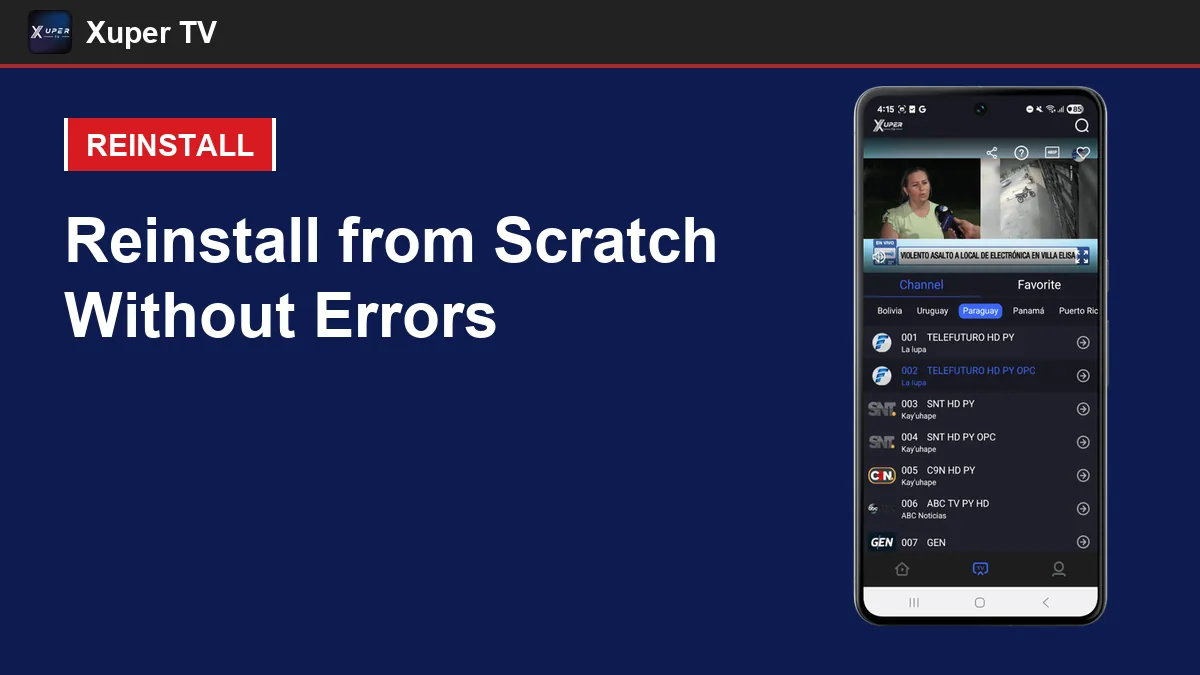
When Xuper TV stops opening, gets stuck on a black screen, or displays strange errors after an update, a clean reinstall usually solves the problem. The key is in the order: completely uninstall before reinstalling.

Xuper TV APK
Table of contents
When is it advisable to reinstall
- The app closes by itself when opening a channel, always at the same point.
- The message "App not installed" appears when updating.
- You installed it on top of Magis TV or another similar app and now nothing loads.
- Clearing the cache didn't change anything.
If the problem is only that one channel isn't loading, try another signal from the same channel first. Reinstalling won't fix downed channels.
Before deleting anything
Save your favorite channels. They'll be lost when you uninstall the app because they're stored within it. A screenshot of the Favorite tab is all it takes to retrieve them later in a minute.
Thorough cleaning
- Clear the cache and data. Settings, Apps, Xuper TV, Storage: tap Clear cache and then Clear data.
- Uninstall. On the same tab, tap Uninstall.
- Remove old versions. Look in the app list for any copies of Magis TV or a duplicate Xuper TV and uninstall them as well.
- Delete old APK. In the Downloads folder, delete the old installers to avoid accidentally opening one.
- Restart your computer. A restart closes processes that still have open files.
If you want to make sure you don't leave anything behind, follow the guide to completely uninstall Xuper TV.
Reinstall
- Download the current file. From our website, the v7.8.1 version: the mobile APK of 51.1 MB for your phone or the 32.4 MB APK for your TV.
- Check the permissions. Authorize the installation from the browser or from the Downloader.
- Install and open it. When you open it, wait for the first list to load before touching anything.
- Retrieve favorites. Use your screenshot to bookmark your channels again.
Installation errors and their meaning
| Message | What does it mean | Solution |
| App not installed | There is another version signed with a different key. | Uninstall the previous one |
| Error parsing the packet | The file is incomplete | Download it again |
| Insufficient space | Lack of storage | Free up at least 200 MB |
| Installation locked | The origin permit is missing | Activate unknown sources |
Frequently Asked Questions
Do I lose anything by reinstalling?
Only the app's favorites and settings. There's no account to delete.
Do I need to restart my phone?
It is not mandatory, but it prevents an old process from blocking the new installation.
Does it work the same way for TV?
Yes. The menus have different names, but the steps are the same with the TV APK.