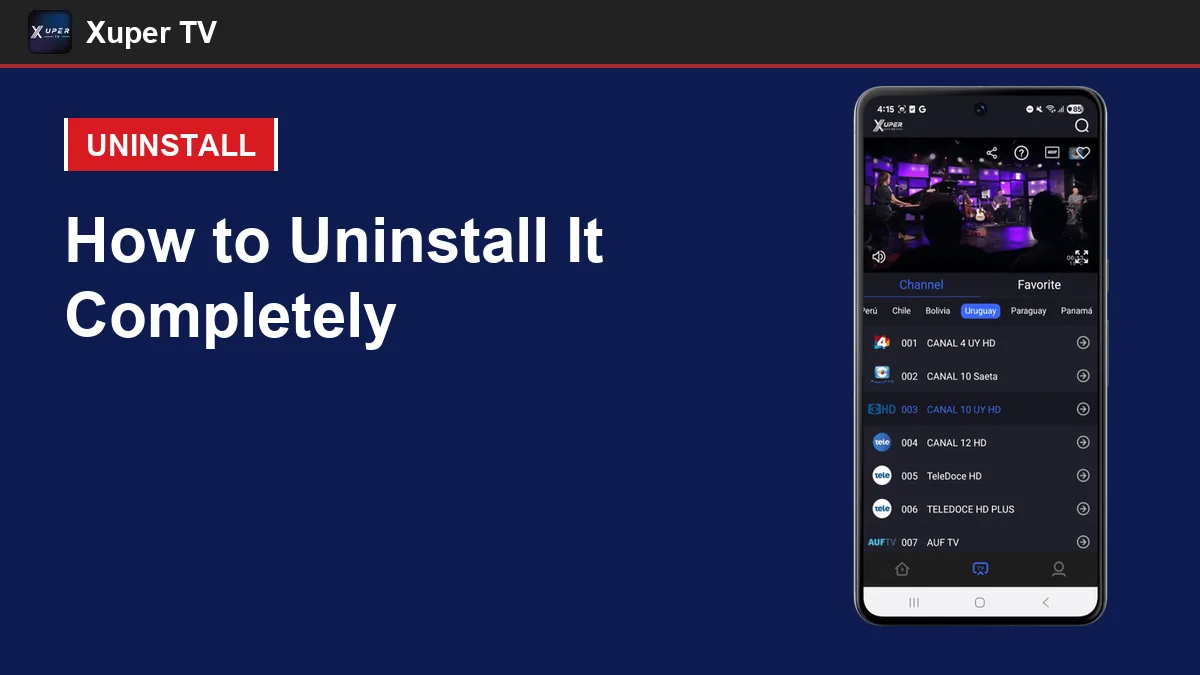
Uninstalling an app from the home screen doesn't always completely remove it. Cache files, the installer in Downloads, and sometimes browser permissions remain. Here's how to remove Xuper TV without leaving any trace, on both your phone and TV.

Xuper TV APK
Table of contents
On the Android phone
- Clear the data first. Settings, Apps, Xuper TV, Storage, Clear data. This will ensure nothing remains in the app's private folder.
- Uninstall. Go back to the app's page and tap Uninstall.
- Delete the APK. Open Files, go to Downloads, and delete the Xuper TV installer.
- Remove the installation permission. In Settings, Special apps, Install unknown apps, disable the browser you used.
On Android TV, Google TV and TV Box
- Open the tab. Settings, Apps, View all apps, Xuper TV.
- Clean and uninstall. Tap Clear data, then Clear cache, and finally Uninstall.
- Check Downloader. Open Downloader, go to Files, and delete the APK if it's still there.
- Block unknown sources. In Security and restrictions, disable Downloader if you no longer use it.
On Fire TV Stick
Go to Settings, Apps, Manage installed apps, Xuper TV. Select Clear data and then Uninstall. Then, in My Fire TV, Developer options, you can disable Apps from unknown sources.
Remains that should be reviewed
- Downloads folder: Old APK take up space and can be opened by mistake
- Shortcuts: Some launchers leave the icon even if the app no longer exists; press and hold it to remove it.
- Other copies: check that Magis TV or any similar app is not installed.
- Permissions: Check in Settings that no browser retains permission to install apps
Android automatically deletes an app's private folder when you uninstall it. If you ever saved screenshots or recordings outside of that folder, those will remain in your gallery.
On a PC emulator
Within the emulator, press and hold the Xuper TV icon and select Uninstall. If you no longer intend to use the emulator, uninstall it from Windows or macOS to free up several GB storage space.
Frequently Asked Questions
Will uninstalling delete my account?
Xuper TV doesn't require an account, so there's nothing to delete outside of the device.
Can I reinstall it later?
Yes, whenever you want, with the latest APK from our download page.
Why does the icon keep appearing?
It's a shortcut left by the launcher. Remove it manually.